Designing a Paperless, Safer Check-in for Rock Kids Zone
Every Sunday, paper tags jammed up the foyer. I designed and built a digital check-in that’s faster for parents and safer for every child in the room.


Goal
Every Sunday, parents queued in the foyer while paper tags were printed one child at a time. With over a thousand kids on the books, that line was slow, stressful, and easy to get wrong. My goal was to kill that queue, take check-in fully digital, and make sure no child ever leaves with the wrong person. Simple. Well, not really.
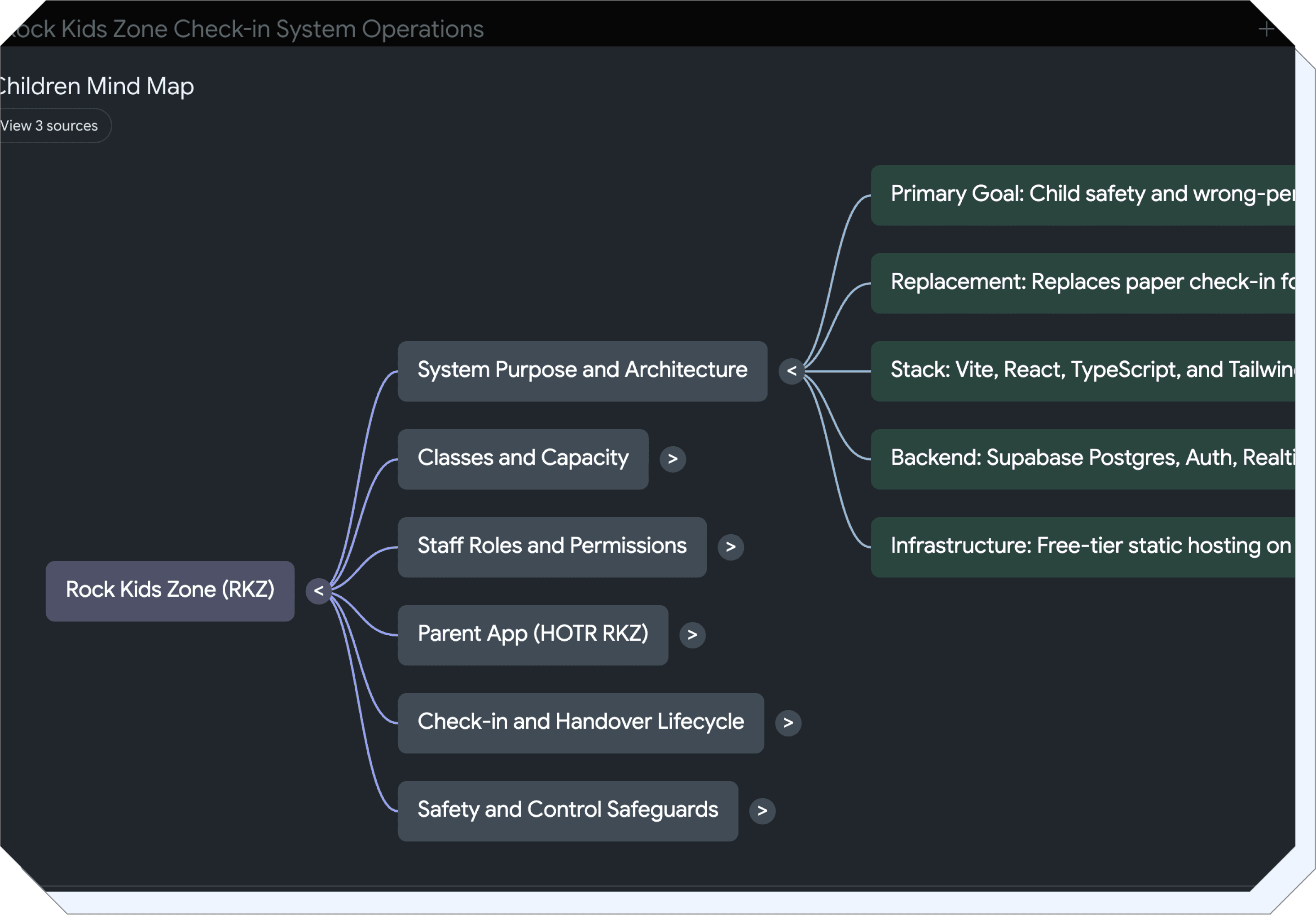
Before I drew a single screen, I mapped the whole thing out: the classes and their capacity, who’s allowed to do what, the parent app, the check-in and handover flow, and every safeguard around it. Six branches, and each one had to hold up on a busy Sunday morning, with a hundred kids arriving at the same time, tired teachers, parents in a rush, and nobody with the patience to work out a confusing screen or a slow one.

The part i’m obsessed with
Honestly, it’s the database. Open the schema and you can see how every table connects, primary keys, foreign keys, what can be empty and what can’t. Households, guardians, children and check-ins, all tied together on purpose.
A child’s class isn’t even stored. It’s worked out from their date of birth every single time, so nobody ends up in the wrong room because someone forgot to update a field.
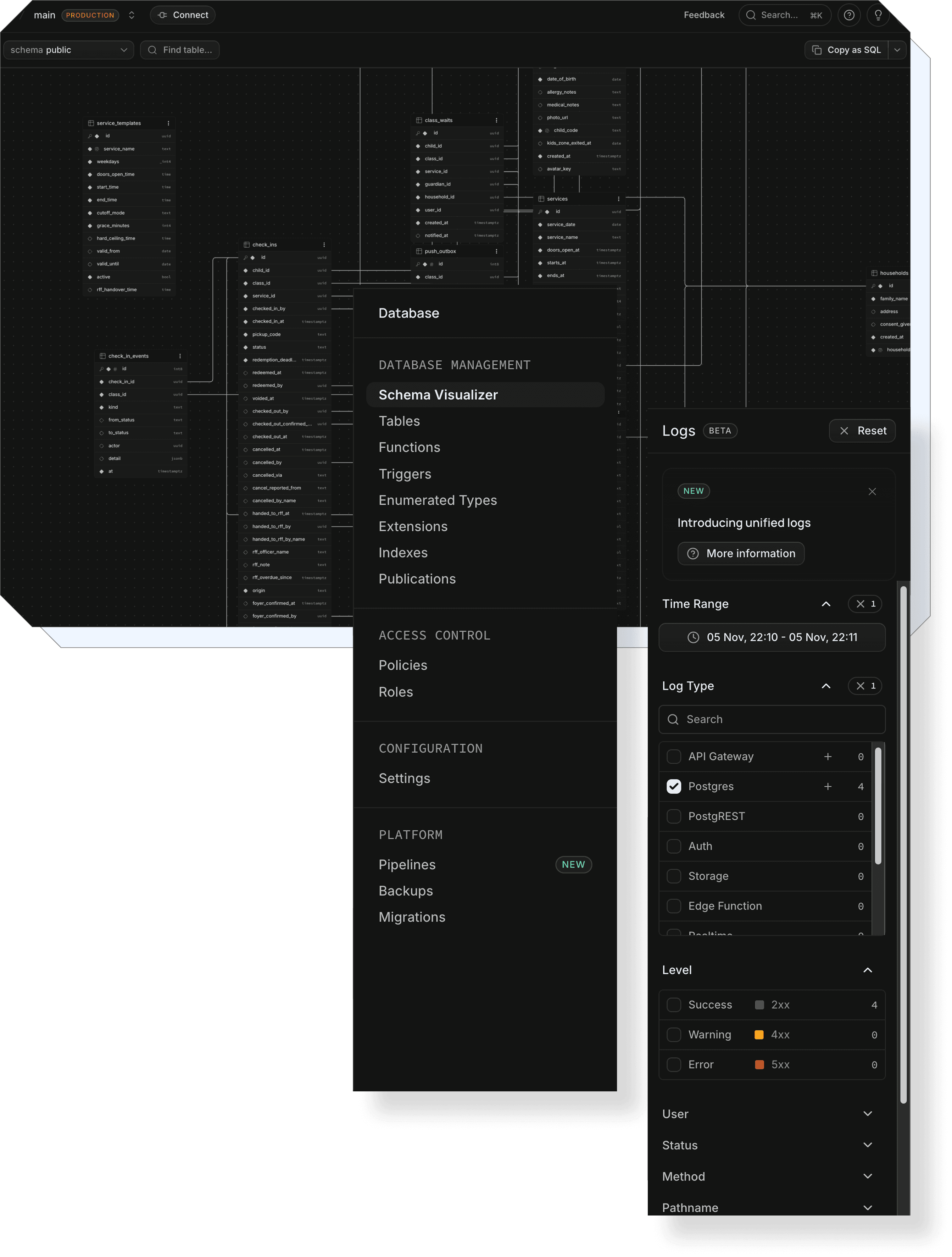
And no screen can write to those tables directly. Every change goes through the database’s own rules, so even a tampered request can’t change who gets picked up.
It’s boring to look at, I know. But it’s the reason a tired teacher on a busy Sunday can’t accidentally break something that really matters.
My Final Outcome
Where it stands: parents check in from their phones, teachers open their own classes and watch live capacity, and every child leaves with a matching code. All done, and already backed by 480 automated tests.
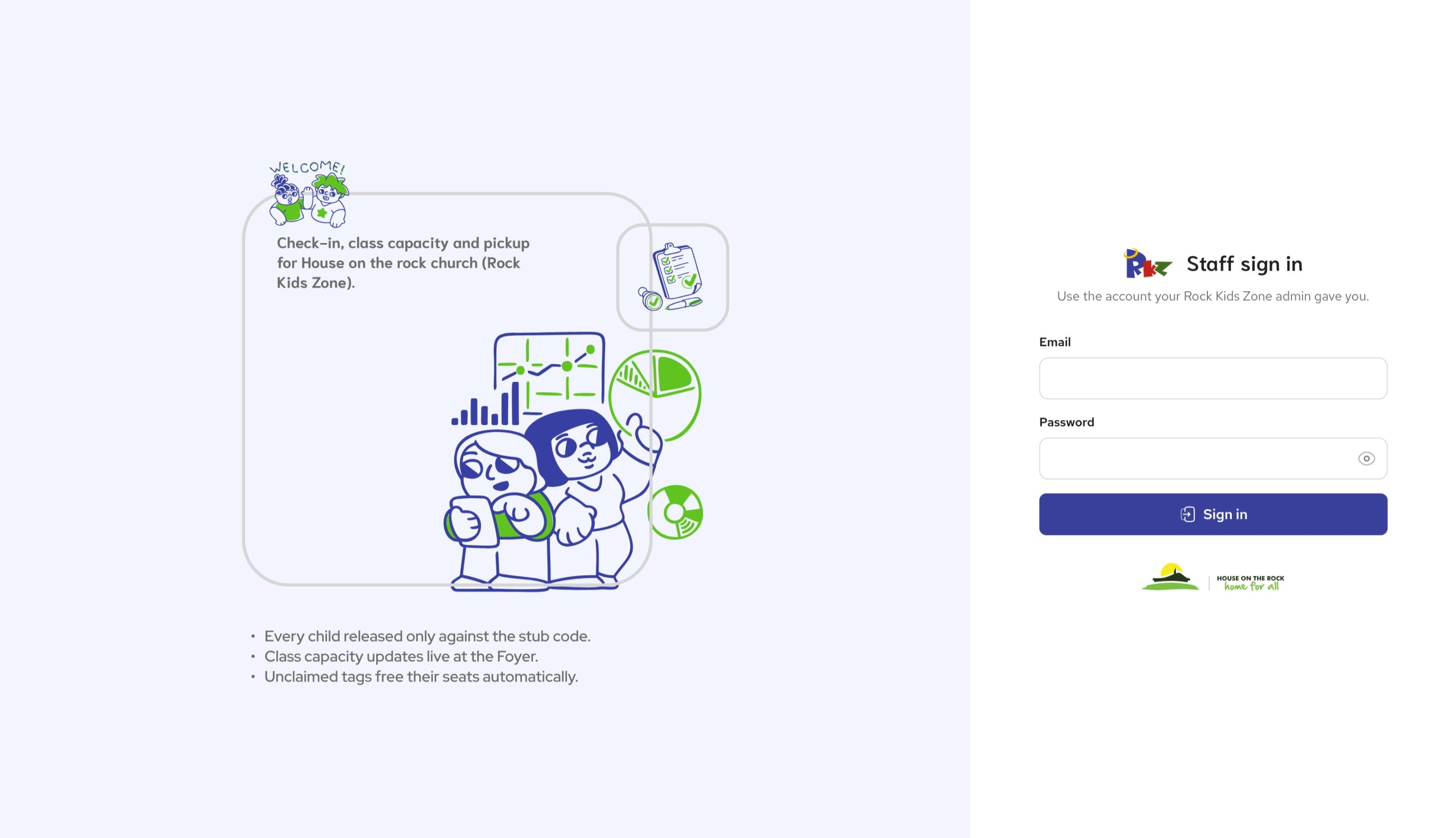
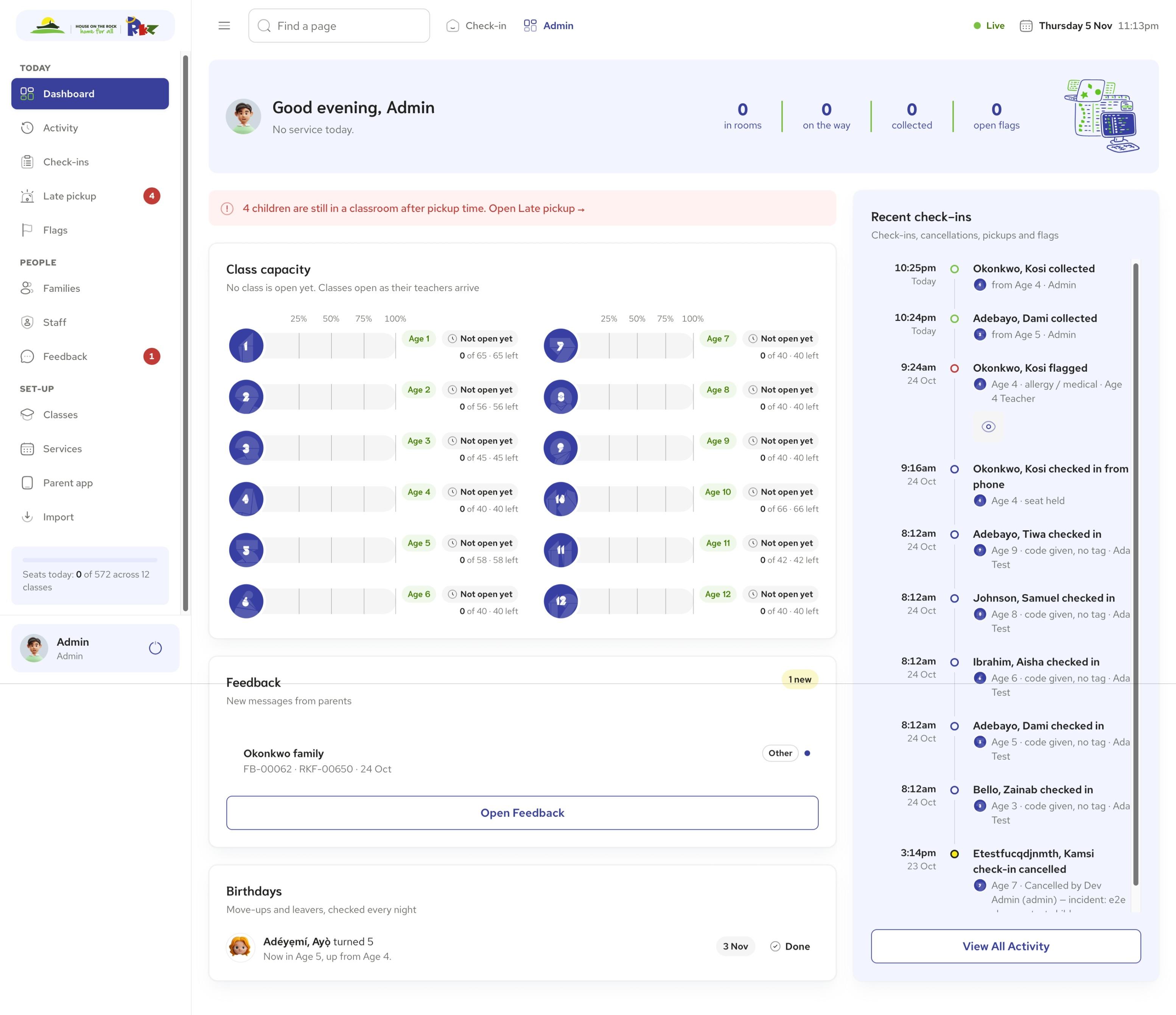
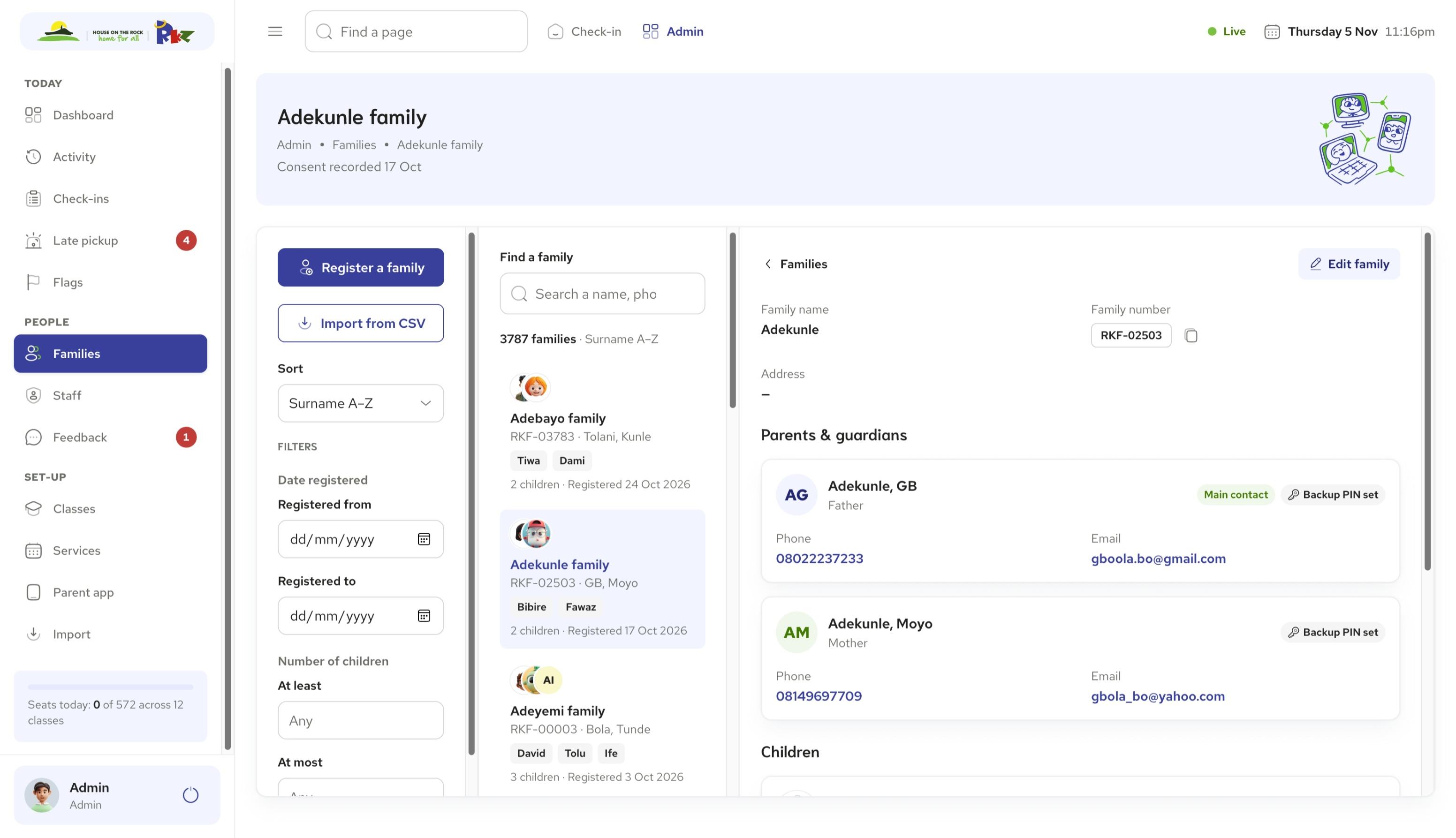
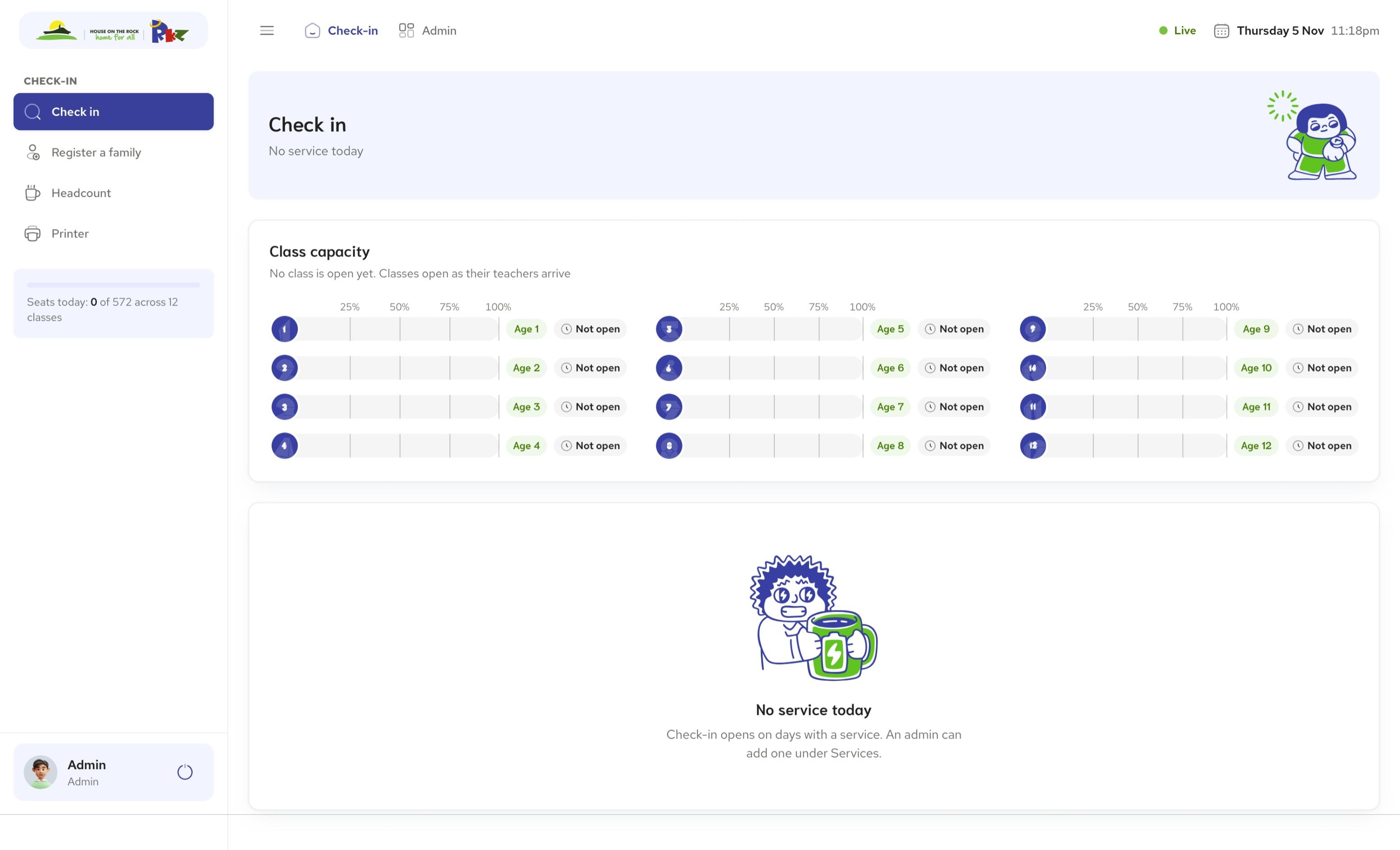
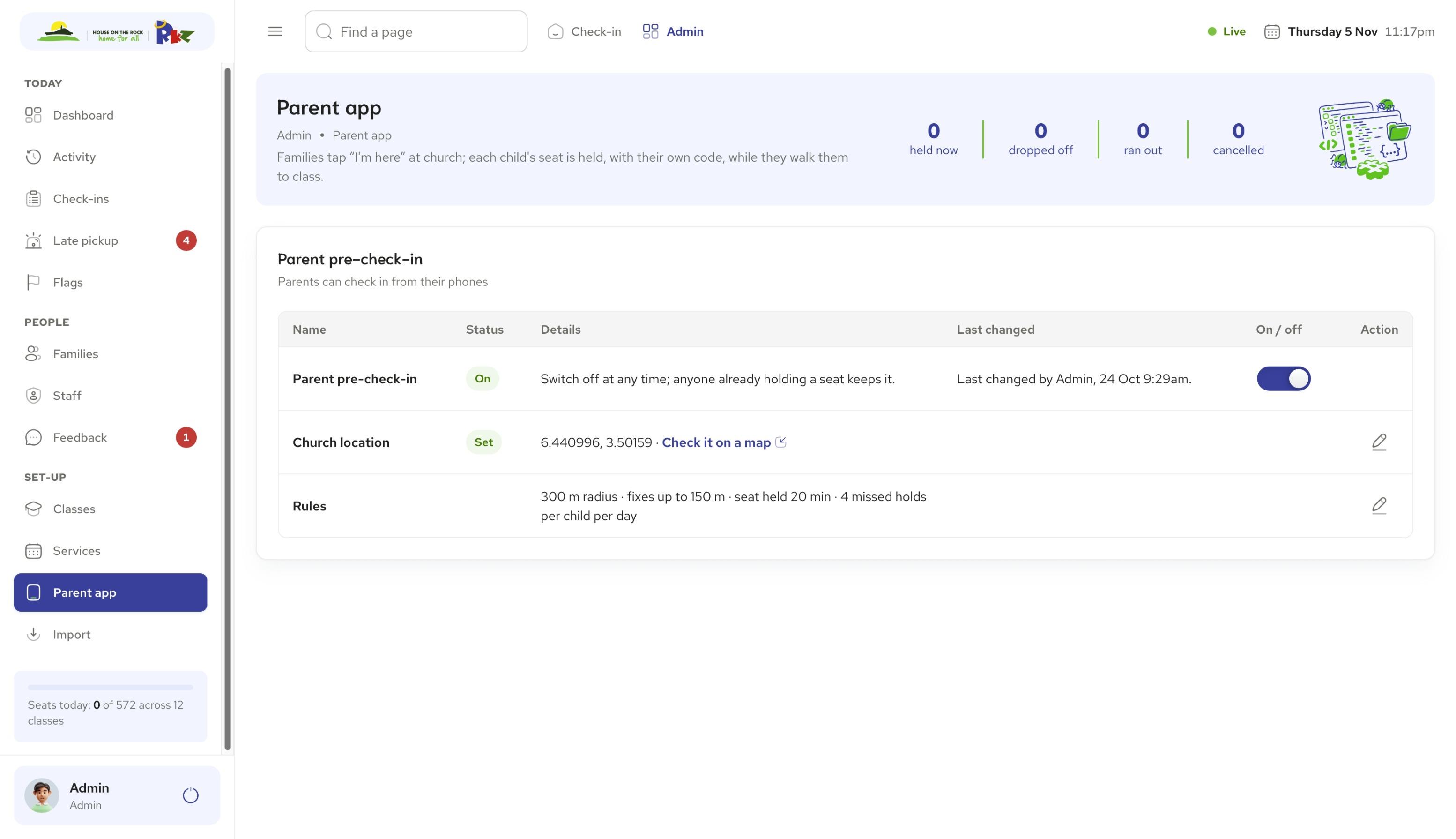
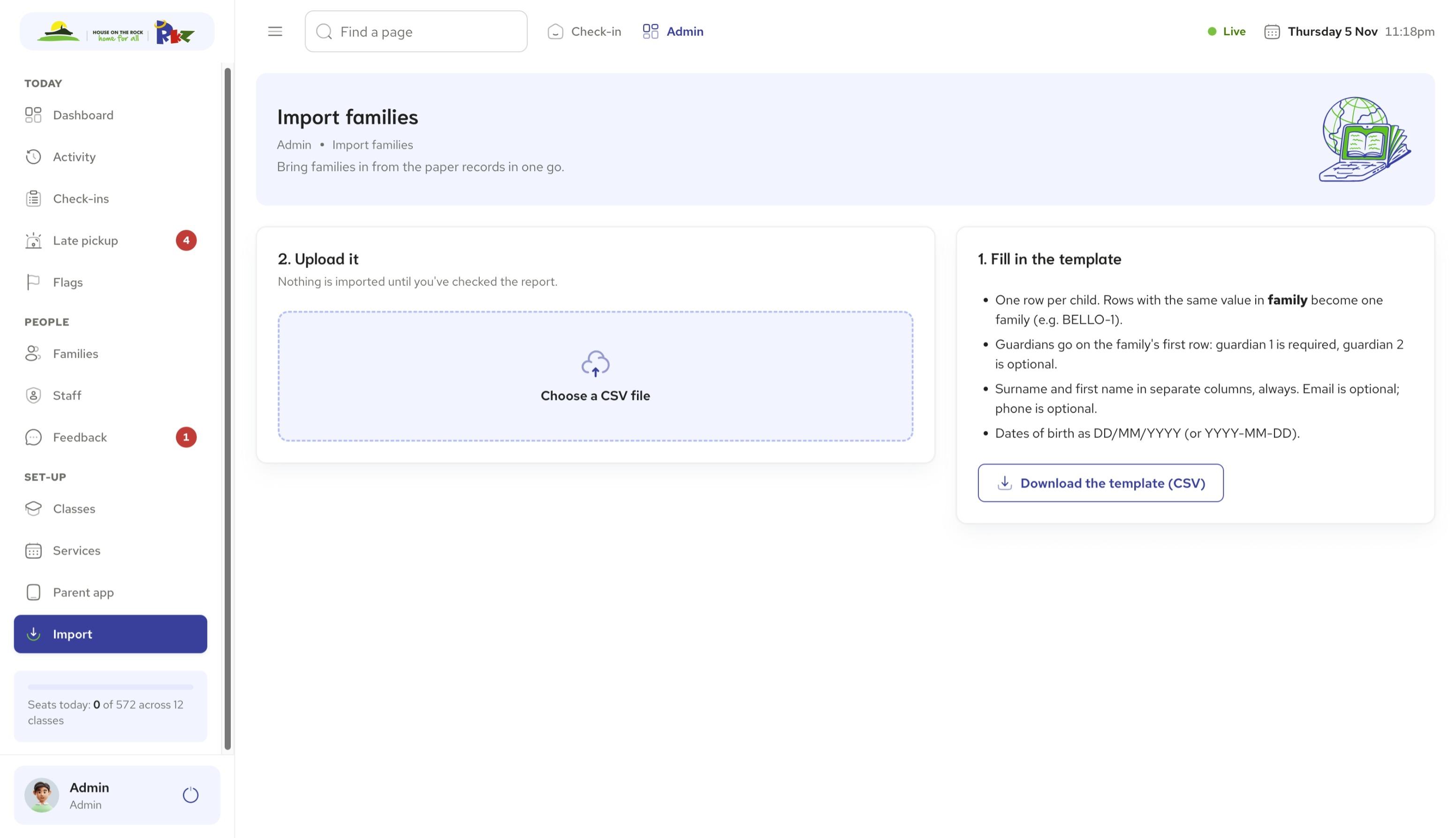
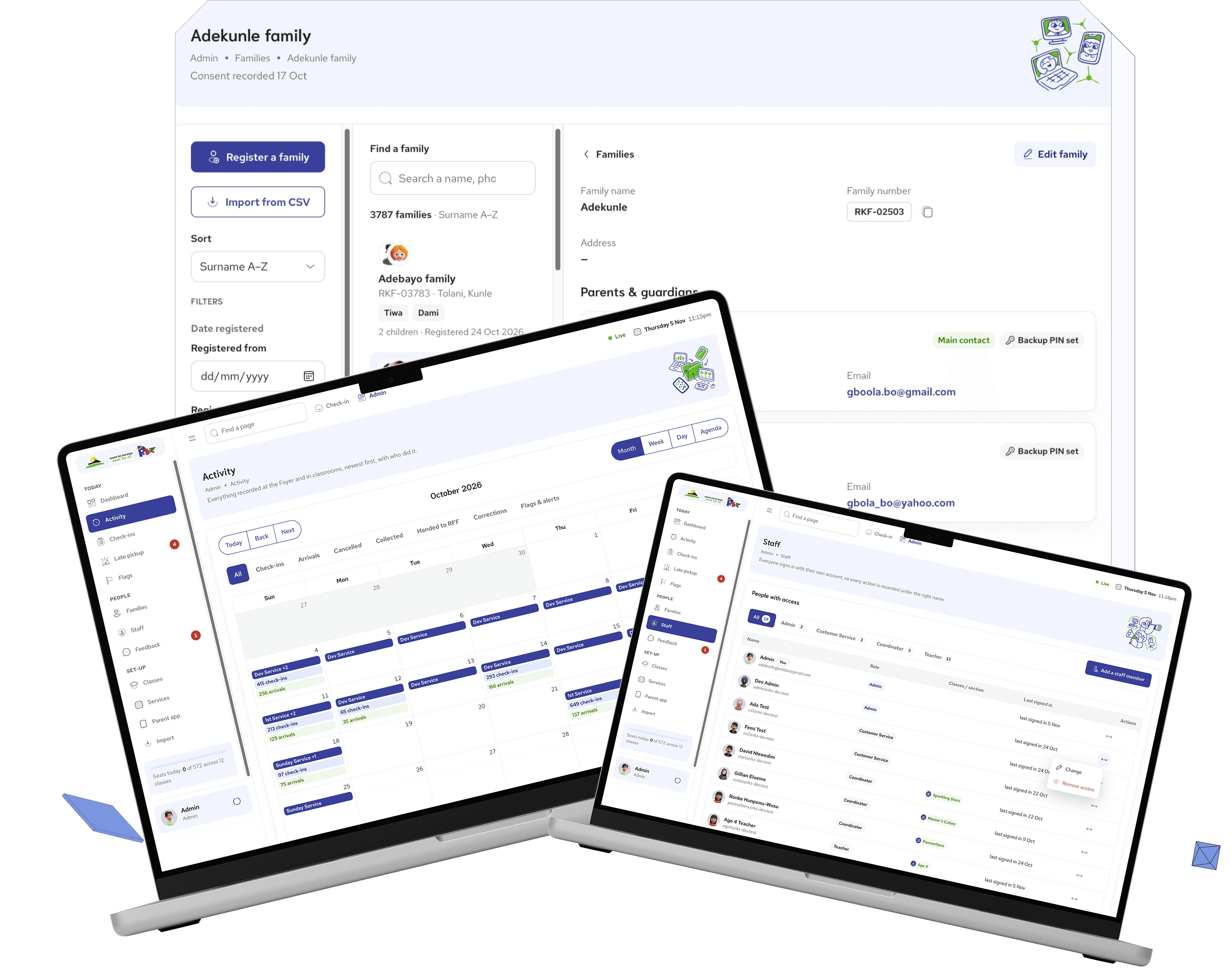
Sunday morning foyer bottlenecks are gone. Gbolabo delivered fast lookups by surname or RKF number, mobile pre-check-in with geofencing, and live classroom capacity tracking. Drop-offs are now fast, safe, and stress-free for both parents and volunteers.
- House on the Rock
- Rock Kids Zone
- House on the Rock
- Rock Kids Zone
- House on the Rock
- Rock Kids Zone
- House on the Rock
- Rock Kids Zone

Thank
You